
Internet Explorer hides camera login screen.
Seen on many IP cameras.
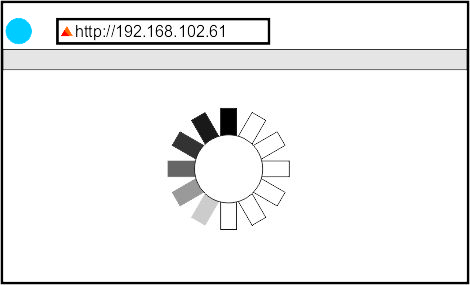
When using Internet Explorer to access an IP camera, you would type it's IP address in the address bar & enter.
If your are not aware you may have to wait and grow a beard waiting for the camera login screen.
The login screen is open but did not pop-up in front of your desktop window.
You'll find then the login screen behind all other windows on your desktop.
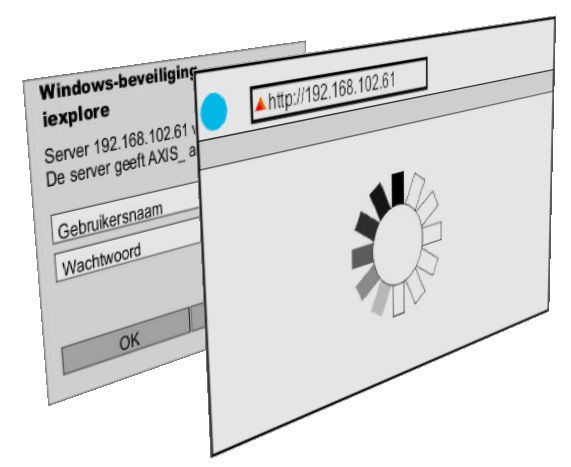
Minimalise all desktop windows until you find below login & password window.
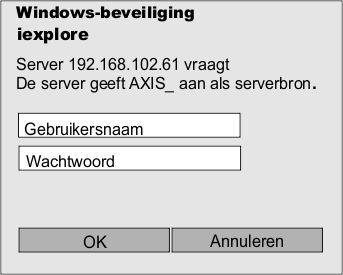
Try root/root or admin/admin as user name and pasword.